

Customize your golf impact screen with these pocket/sleeve/bungee configurations:
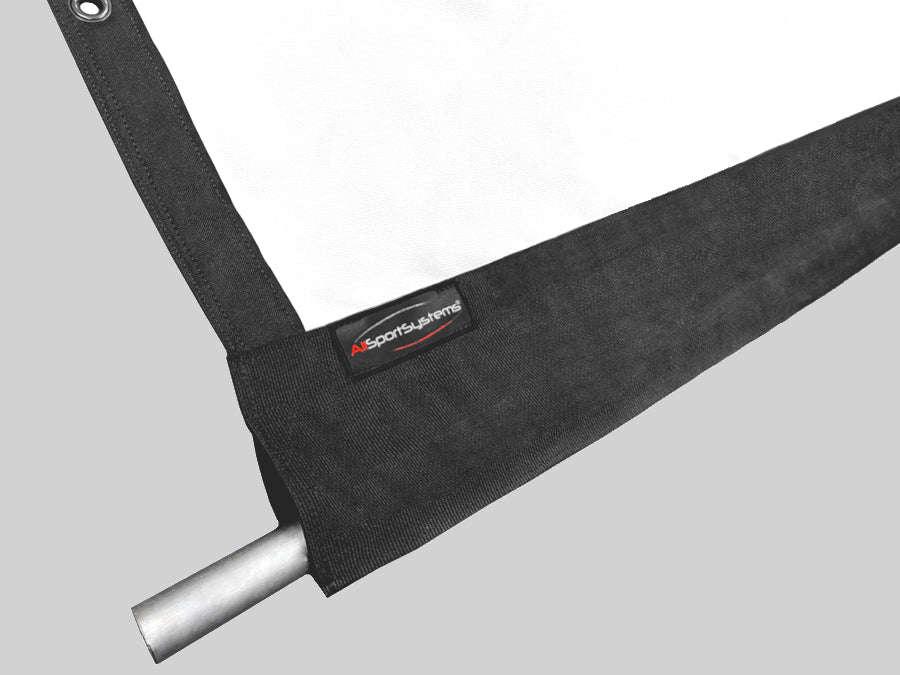
Pocket Design: Adds a pocket along the top or bottom edge of your golf impact screen. The pocket size refers to the diameter of the largest object (cable, pipe, rope) that can fit inside the pocket (a 1" pocket can contain a 1" diameter pipe, hose, or rope).
Note: Pockets get -added- to the overall dimensions of your screen, so please factor this in when sizing your screen.
Examples:
- A 1" diameter top pocket will add 1" in total height to your screen.
- A 2" diameter bottom pocket will add 2" of total height to your screen.
Pocket and Sleeve Choices:
|
Top Pocket |
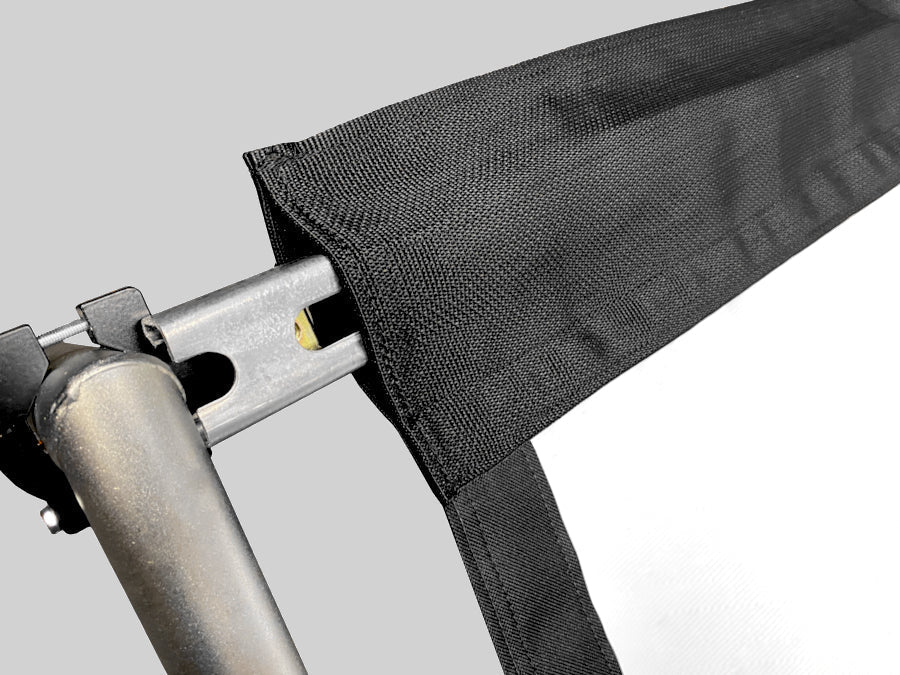
Add a pocket to the TOP of your golf impact screen. Screen can hang from a pole, cable, or strut inserted through the pocket. |
|
Bottom Pocket |
Add pocket to the BOTTOM of your golf impact screen. Place a weighted object in the pocket (i.e. metal pole, hose, chain). This can help the golf screen to hang more evenly reducing waves and flattening the screen to improve the projected image quality. |
|
Top and Bottom Pockets |
Add pockets to the TOP and BOTTOM of your golf impact screen |
| Cable or Bungee Sleeve | A segmented sleeve sewn onto the rear face of the screen at the bottom, into which a horizontal tensioning cable or bungee cord may be inserted, (similar to the cable system offered on Carl's screens). The sleeve does not extend below the screen. |
| Optional Bungee Cord | A matching bungee can be sewn into Rear Sleeve making for an easy interconnect to your side walls or pipe. |
** NOTE The "Diameter" of our pockets refers to the diameter of the largest object that can fit inside the pocket (such as a 1" diameter rope, or a 2" diameter tube).
Default Design Features of Golf Simulator Impact Screens from AllSportSystems®
By default, our golf impact screens are produced as follows:
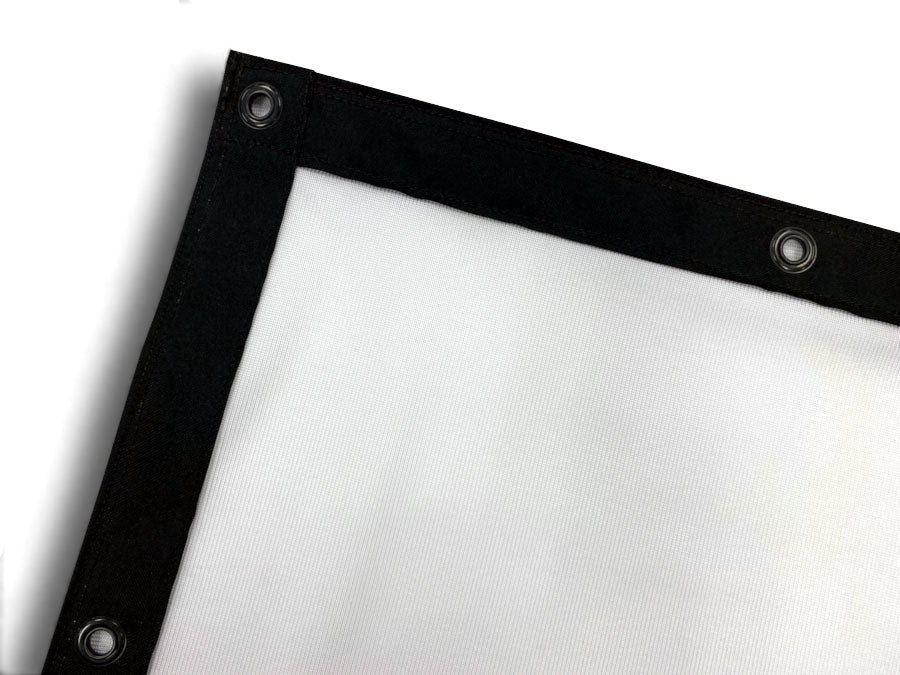
- All edges are trimmed in black vinyl for a professional look.
- Black grommets are installed along each edge approximately 12" apart.
- High quality materials and workmanship go into every golf impact screen we make!
Click Here to Read About AllSportSystems Golf Sim Impact Screen Tiers!
You may also like
Payment plans are available during checkout!