
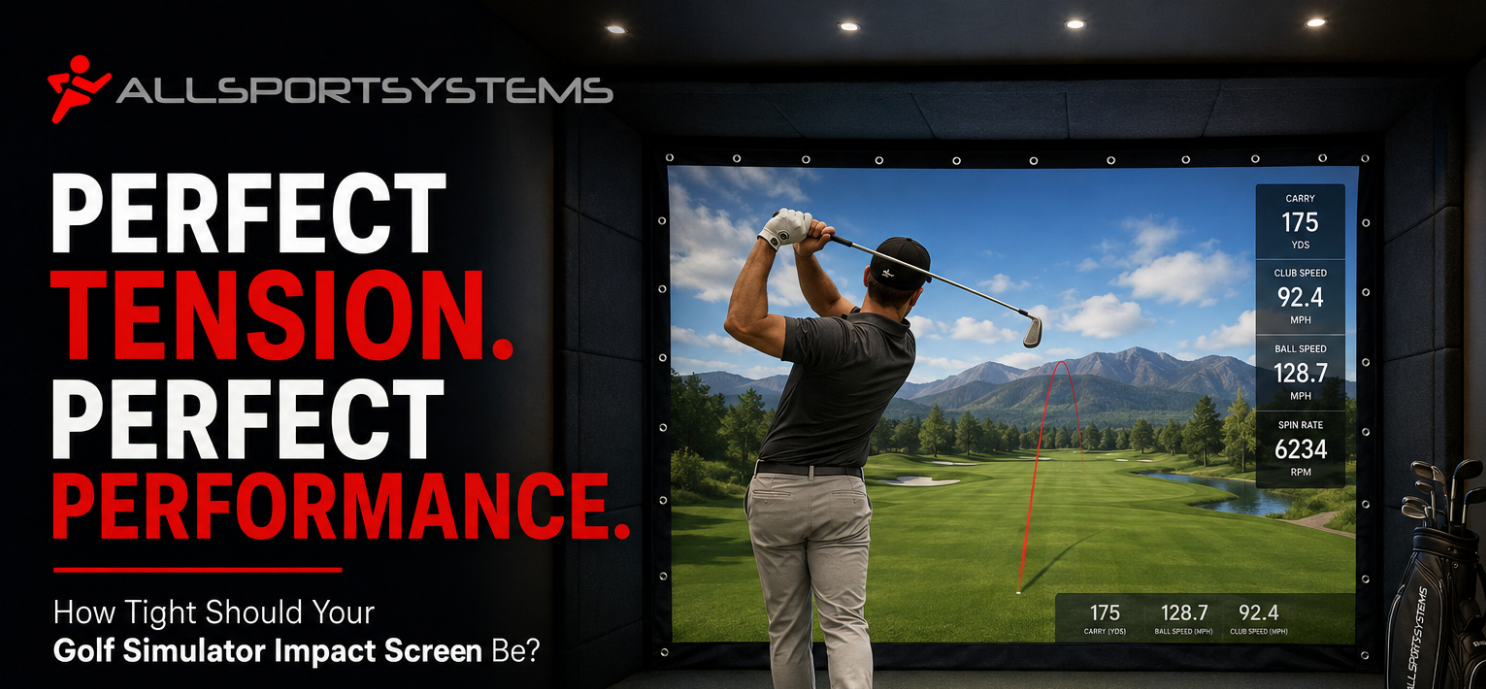
Finding the perfect tension for your golf simulator impact screen can significantly enhance your practice sessions. Too tight, and you risk tearing; too loose, and you'll lose picture clarity. Let's delve into how tight your golf sim screen should be for optimal performance.
Understanding the Purpose of a Golf Sim Hitting Screen
When you set out to create a budget golf simulator, one of the most crucial components you'll encounter is the golf sim impact screen. But what exactly is an impact screen, and why is its tension so important? At its core, a golf simulator hitting screen is designed to withstand the force of a golf ball traveling at high speeds. It needs to absorb the impact without tearing or distorting the image being projected onto it. This screen is where the virtual world of your immersive golf simulator comes to life, projecting the course, the ball flight, and every aspect of your swing analysis.
A home golf sim impact screen serves a dual purpose: it must be robust enough to take the hits without getting damaged and also provide a clear, wrinkle-free display for optimal visual feedback. If the golf screen is too loose, it will sag and distort the projected image, reducing the quality of your practice session. Conversely, if the screen is too tight, it becomes more susceptible to tearing and may not absorb the impact as efficiently, posing a potential hazard. Thus, finding the right balance in screen tension is vital for both durability and functionality.
The ideal golf sim impact screen should also enhance the overall experience of using a golf simulator. It should provide a realistic depiction of the golf course, allowing you to immerse yourself fully in the game. Furthermore, it should offer reliable feedback on your shots, helping you to improve your skills. This balance of durability, visual clarity, and performance is what makes the tension of the impact screen so crucial. Without the right tension, even the most advanced golf simulator technology can fall short of providing a satisfying and productive practice session.

Factors Influencing Golf Projection Screen Tension
Several factors come into play when determining the optimal tension for your golf simulator impact screen. First and foremost is the material of the screen itself. Different materials have varying degrees of elasticity and strength, which can affect how tight the screen can be stretched without compromising its integrity. Common materials used for impact screens include polyester, vinyl, and specialized impact fabrics. Each of these materials has unique properties that can influence how they should be installed and tensioned.
The size of the screen is another critical factor. Larger screens require more tension to remain flat and wrinkle-free, but this increased tension also means a greater risk of tearing if the material isn't robust enough. Smaller screens, while easier to manage in terms of tension, still need to be carefully adjusted to ensure they provide a clear and accurate display. The frame or mounting system you're using also plays a significant role. A sturdy, well-designed frame can help distribute the tension evenly across the screen, reducing the likelihood of tears and ensuring a smooth, consistent surface.
Environmental conditions can also impact the tension of your screen. Temperature and humidity levels can cause materials to expand or contract, affecting the tightness of the screen. In a controlled indoor environment, these factors are less of a concern, but they can still cause minor adjustments over time. Keeping these variables in mind when setting up and maintaining your impact screen can help you achieve the perfect balance of tension for optimal performance and durability.
The Ideal Tightness for Optimal Performance in Golf Sim Screens
Achieving the ideal tension for your golf simulator projector screen involves striking a balance between tautness and flexibility. The screen should be tight enough to provide a clear, undistorted image, yet flexible enough to absorb the impact of high-speed golf balls without tearing. A good rule of thumb is to aim for a tension that leaves the screen flat and smooth, with minimal sagging or wrinkles, but not so tight that it feels like a drumhead. To prevent sagging check out or SkyBridge Rigid Golf Screen Brackets.

It's also important to consider the feedback you receive from your shots. If the screen is too loose, you'll notice a wavy or distorted image, especially around the point of impact. On the other hand, if the screen is too tight, you may see small tears or feel an excessive rebound when the ball hits the screen. Adjust the tension accordingly, making small increments until you achieve a balance where the screen remains flat and provides reliable feedback without showing signs of damage.
AllSportSystems makes it easy for you to get the perfect impact screen tensioning in your system, even if you do not have an AllSportSystems golf simulator hitting enclosure. This is thanks to AllSportSystems affordable golf simulator impact screen customization. Whether you need a perfect, unique size, specific grommet spacing, velcro, pockets, flaps, etc. AllSportSystems can guide you on how to make the perfect impact screen for your setup. Give us a call at 877-847-1280 today!
- Custom Grommets on Golf Simulator Impact Screen
- Velcro on Golf Sim Hitting Screen
- Pockets for Golf Simulator Screen
- Flaps for Golf Sim Screen
Consequences of a Loose Golf Simulator Projector Screen
Having a loose golf sim impact screen can significantly detract from the overall performance and longevity of your golf simulator setup. One of the most immediate and noticeable consequences is the loss of image clarity. A sagging or wrinkled screen distorts the projected image, making it difficult to accurately visualize the golf course and track your shots. This can be particularly frustrating when trying to analyze your swing or make improvements to your game, as the visual feedback is compromised.
A loose screen also poses a safety risk. When the screen isn't properly tensioned, it doesn't absorb the impact of the golf ball as effectively. Instead, the ball can rebound unpredictably, potentially causing damage to the surrounding area or even posing a hazard to the player. Additionally, a loose screen is more likely to suffer from wear and tear over time. The constant movement and flexing can weaken the material, leading to tears and holes that further degrade the performance and appearance of the screen.

Read All About Stopping Rebound in Your Golf Simulator Setup
Another consequence of a loose impact screen is the increased likelihood of sound distortion. A properly tensioned screen helps to dampen the noise of the ball impact, making for a more pleasant practice environment. However, a loose screen can cause the ball to make a louder, more jarring sound when it hits, which can be distracting and annoying. Ensuring that your impact screen is properly tensioned can help maintain a quieter and more enjoyable practice space.

Check out our Quietest Golf Simulator Screens!
Consequences of an Overly Tight Golf Hitting Screen
While a loose screen can cause a host of issues, an overly tight impact screen comes with its own set of problems. One of the primary concerns is the increased risk of tearing. When the screen is stretched too tightly, it loses its ability to flex and absorb the impact of the golf ball. The force of the ball hitting a taut screen can cause small tears to form, which can quickly worsen with repeated use. These tears not only compromise the integrity of the screen but also detract from the visual quality of your simulator.
An overly tight screen can also affect the accuracy of your shot feedback. When the screen is too rigid, it can cause the ball to rebound too quickly, giving you inaccurate data on your shots. This can be particularly problematic if you're using your simulator to practice and improve your game, as the feedback you're receiving may not accurately reflect your performance. Additionally, the excessive rebound can cause the ball to bounce back in unpredictable directions, posing a safety risk to the player and the surrounding area. Although you want a firm and sleek look to your impact screen, you do not want a trampoline that puts your walls, friends, and family in danger.
Moreover, a too-tight screen can lead to increased wear and tear on both the screen and the mounting system. The constant tension places additional stress on the material and the frame, which can cause components to wear out more quickly. This not only reduces the lifespan of your impact screen but also increases the likelihood of needing costly repairs or replacements. Striking the right balance in screen tension is essential to ensure both the safety and longevity of your golf simulator setup.
If wear and tear on your current impact screen is an issue, check out our replaceable impact screen strips for golf simulators. This product can boost the lifespan of your hitting screen, and it can take the meat of the impact from the golf ball. We can make this replaceable strip to match your current screen as closely as possible!

Installation Tips for Proper Golf Sim Impact Screen Tension
Proper golf sim installation is key to achieving the right tension for your golf simulator impact screen. Start by carefully measuring the dimensions of your screen and the frame or mounting area. Ensure that the frame is sturdy and well-constructed, as this will help distribute the tension evenly across the screen. When attaching the screen to the frame, use high-quality grommets or clips to secure the edges. These should be spaced evenly to avoid creating points of excess tension that could lead to tearing.
When tensioning the screen, start by attaching the top and bottom edges first. This will help you achieve a uniform tension across the screen. Gradually work your way to the sides, making small adjustments as needed to ensure the screen remains flat and wrinkle-free. If you have access to a tension meter, use it to measure the force applied to the screen.
It's also important to regularly check the tension of your screen, especially in the first few weeks after installation. Materials can stretch and settle over time, so you may need to make minor adjustments to maintain the ideal tension. Pay attention to any signs of sagging or distortion in the image, and adjust the tension as needed to keep the screen flat and clear. By taking the time to properly install and maintain your impact screen, you can ensure a high-quality and durable setup for your golf simulator.
Keep in mind that AllSportSystems offers professional golf simulator installation. Allow us to bring your dream golf simulator to life!

Maintenance and Care for Your Home Golf Simulator Impact Screen
Maintaining your golf simulator impact screen is essential to ensure its longevity and optimal performance. Regular cleaning is a key aspect of golf screen maintenance. Dust, dirt, and other debris can accumulate on the surface of the screen, affecting both its appearance and its ability to display a clear image. Use a soft, lint-free cloth to gently wipe down the screen, and avoid using harsh chemicals or abrasive materials that could damage the surface. For stubborn stains, a mild soap and water solution can be used, but be sure to rinse thoroughly and allow the screen to dry completely before use.
In addition to cleaning, it's important to regularly inspect your golf sim impact screen for any signs of wear and tear. Look for small tears, holes, or areas of fraying that could worsen with continued use. If you notice any damage, address it promptly to prevent it from spreading. Small tears can often be repaired with specialized screen repair kits, which are designed to patch holes and reinforce weakened areas. For more extensive damage, you may need to replace the screen or consult with a professional for repairs.
Proper storage is also crucial for maintaining your golf projection impact screen. If you need to take down the screen for any reason, be sure to store it in a cool, dry place to prevent mold and mildew growth. Avoid folding the screen, as this can create creases and weaken the material. Instead, roll it up loosely and secure it with soft ties or straps. By taking these steps to care for your impact screen, you can ensure it remains in excellent condition and continues to provide a high-quality practice experience.
Upgrading Your Indoor Golf Simulator Setup
As you become more serious about your home golf practice, you may find that upgrading your golf sim setup can enhance your experience and improve your performance. One of the first areas to consider upgrading is the impact screen itself. While a basic golf sim screen can suffice for casual use, a high quality golf sim screen made from specialized impact fabric can offer better durability, visual clarity, and performance. Investing in a premium screen can provide a more realistic and immersive experience, helping you to get the most out of your practice sessions.
Another upgrade to consider is the golf sim projector. A high definition golf projector can significantly improve the quality of the image displayed on your impact screen, making it easier to visualize the course and track your shots. Look for a projector with a high resolution and brightness level to ensure a clear and vibrant display, even in well-lit rooms. Additionally, consider the throw distance of the projector, which determines how far it needs to be positioned from the screen to achieve the desired image size.
 Check Out AllSportSystems Selection of Golf Sim Projectors!
You may also want to upgrade the software used in your golf simulator. Advanced software programs offer a wide range of features, including detailed swing analysis, virtual coaching, and access to a variety of courses from around the world. These programs can provide valuable insights into your game and help you to make targeted improvements. By upgrading your golf simulator setup, you can create a more engaging and effective practice environment, ultimately helping you to achieve your golfing goals.
Finding the Right Balance for Your Home Golf Simulator Impact Screen
Finding the perfect tension for your home golf simulator impact screen is essential for creating an effective and enjoyable practice environment. The right balance between tautness and flexibility ensures that your screen can withstand the force of high-speed golf balls while providing a clear and accurate display. By understanding the purpose of an impact screen, considering the factors that influence screen tension, and following proper installation and maintenance tips, you can achieve the ideal tightness for optimal performance.
A loose screen can lead to image distortion, safety risks, and increased wear and tear, while an overly tight screen can cause tearing, inaccurate feedback, and additional stress on the material and mounting system. Choosing the right material for your impact screen and regularly inspecting and maintaining it can help to ensure its longevity and performance. Upgrading your golf simulator setup with high-quality components and advanced software can further enhance your practice experience and help you to achieve your golfing goals.
Ultimately, the key to finding the right balance for your golf swing impact screen lies in careful attention to detail and a willingness to make adjustments as needed. By taking the time to properly tension, install, and care for your impact screen, you can create a high-quality and durable setup that provides reliable feedback and a realistic golfing experience. Whether you're a casual golfer or a serious player, optimizing the tension of your impact screen is a crucial step towards improving your game and enjoying your practice sessions to the fullest.
